
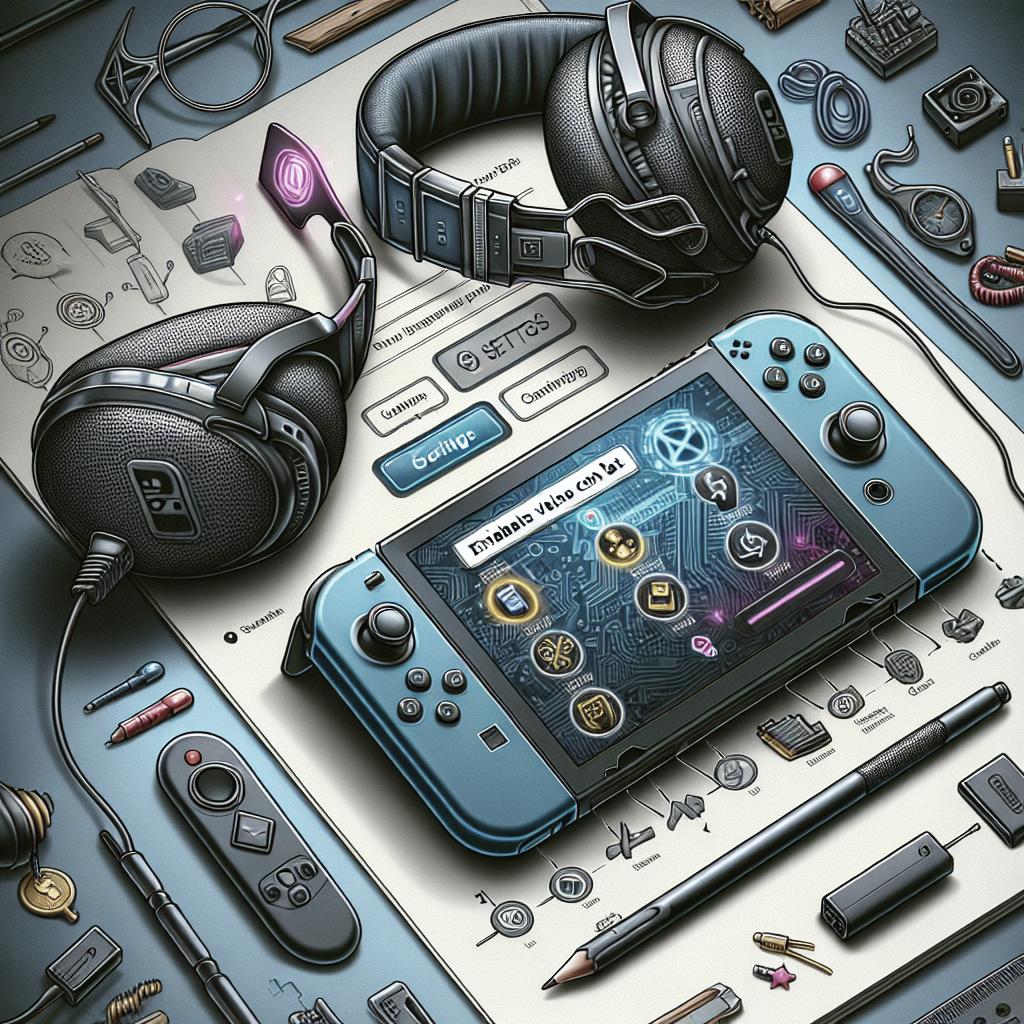
How to Enable Voice Chat on Nintendo Switch 2
Nintendo Switch 2 brings a host of new features and functionalities, making gaming more immersive than ever. One of the most anticipated features is the ability to use voice chat seamlessly. Whether you’re playing with friends or coordinating with teammates, voice communication can enhance your gaming experience significantly. This article guides you through the steps to enable voice chat on your Nintendo Switch 2, ensuring you can connect with others effortlessly. Additionally, we explore some related functionalities and trending topics in the Nintendo community. Follow these comprehensive steps to make the most out of your console’s capabilities.
Complete these steps
To begin using voice chat on your Nintendo Switch 2, first ensure that your console is updated to the latest firmware version. The updates often contain critical improvements and bug fixes that enable and enhance features like voice chat. To update your console, navigate to the settings menu, select ‘System’, and choose ‘System Update’. This ensures your device is operating with the latest advancements.
Once your console is updated, connect a compatible headset to your Nintendo Switch 2. The console is designed to support various headset types, including ones with microphone capabilities. You can connect your headset via Bluetooth or through the 3.5mm jack on the console. For Bluetooth headsets, ensure they are in pairing mode and are found under the Bluetooth devices list in your console’s settings. This establishes a seamless audio input and output for voice chat.
Next, open the game or application that supports voice chat functionality. Most multiplayer games and communication apps will have an in-game or in-app setting where you can enable voice chat. Navigate to the voice chat options and toggle the setting to ‘On’. Ensure that the microphone permissions are granted if prompted. You should now be set to experience engaging and dynamic communication with other players.
Related
Incorporating voice communication on the Nintendo Switch 2 isn’t just a standalone feature; it’s supported by a robust ecosystem of applications and functionalities. Notably, the Nintendo Switch Online app for smart devices complements the voice chat feature, offering an alternative platform for messaging and voice conversations. Pairing your Switch 2 with this app enhances connectivity while gaming and allows access to exclusive deals and content.
Another related aspect is the cross-platform voice chat capabilities. Many modern games offer cross-platform interactions, meaning players on different consoles can communicate and play together. Switch 2 takes this to another level by allowing players to engage in cross-platform voice chat, provided the game supports this function. This feature broadens your opportunities to interact with a wider community of gamers.
The integration of voice chat with parental controls is also a critical consideration. Nintendo has designed the voice chat feature with safety and control in mind. Parents can set restrictions on voice chat capabilities, ensuring young gamers have safe experiences. By configuring these settings, parents can regulate who their children communicate with and monitor their interactions online.
Trending Now
The introduction of voice chat on the Nintendo Switch 2 is part of a larger trend towards enhanced interaction and connectivity in gaming. As platforms evolve, the demand for real-time communication grows. Beyond gaming, the Switch 2’s voice chat capability has turned heads in the tech community for its potential applications in other forms of digital interaction, such as virtual events and online collaborations.
One trending topic is the role of cloud gaming in conjunction with consoles like the Nintendo Switch 2. With voice chat capabilities integrated into cloud gaming platforms, players can look forward to a seamless, multi-device gaming experience where communication remains uninterrupted, regardless of the device being used.
Moreover, the rise of esports has further cemented the necessity of robust communication features. The integration of native voice chat on platforms like Nintendo Switch 2 makes it more viable for serious gamers who participate in competitive gaming, allowing them to strategize effectively and respond to real-time developments during matches.
Was this helpful?
We hope this guide on enabling voice chat on your Nintendo Switch 2 has been informative and useful. Implementing voice communication adds a dynamic layer to your gaming sessions, fostering better teamwork and more enjoyable interactions. Should you have any questions or require further assistance, please refer to your console’s user manual or contact Nintendo support for personalized help.
Feedback on your experience is invaluable to us. If this article helped you set up voice chat successfully, let us know. We are committed to updating our guides and ensuring they meet the needs of the Nintendo community. Please feel free to share your voice chat stories or any additional tips in the comments section below.
The Nintendo Switch 2 offers a myriad of new features, and understanding them fully empowers you to enjoy your console at its peak. Keep exploring and experimenting with your device, and share this article with friends who might also benefit from learning about voice chat setup.
Next Steps
| Task | Description |
|---|---|
| Update Console | Ensure your Nintendo Switch 2 is running the latest firmware for optimal performance and access to features. |
| Connect Headset | Use a compatible headset with a microphone to enable audio communication. |
| Enable Voice Chat | Adjust in-game or app settings to activate voice chat for compatible games or applications. |
| Explore Related Features | Utilize the Nintendo Switch Online app and explore cross-platform communication options and parental controls. |