
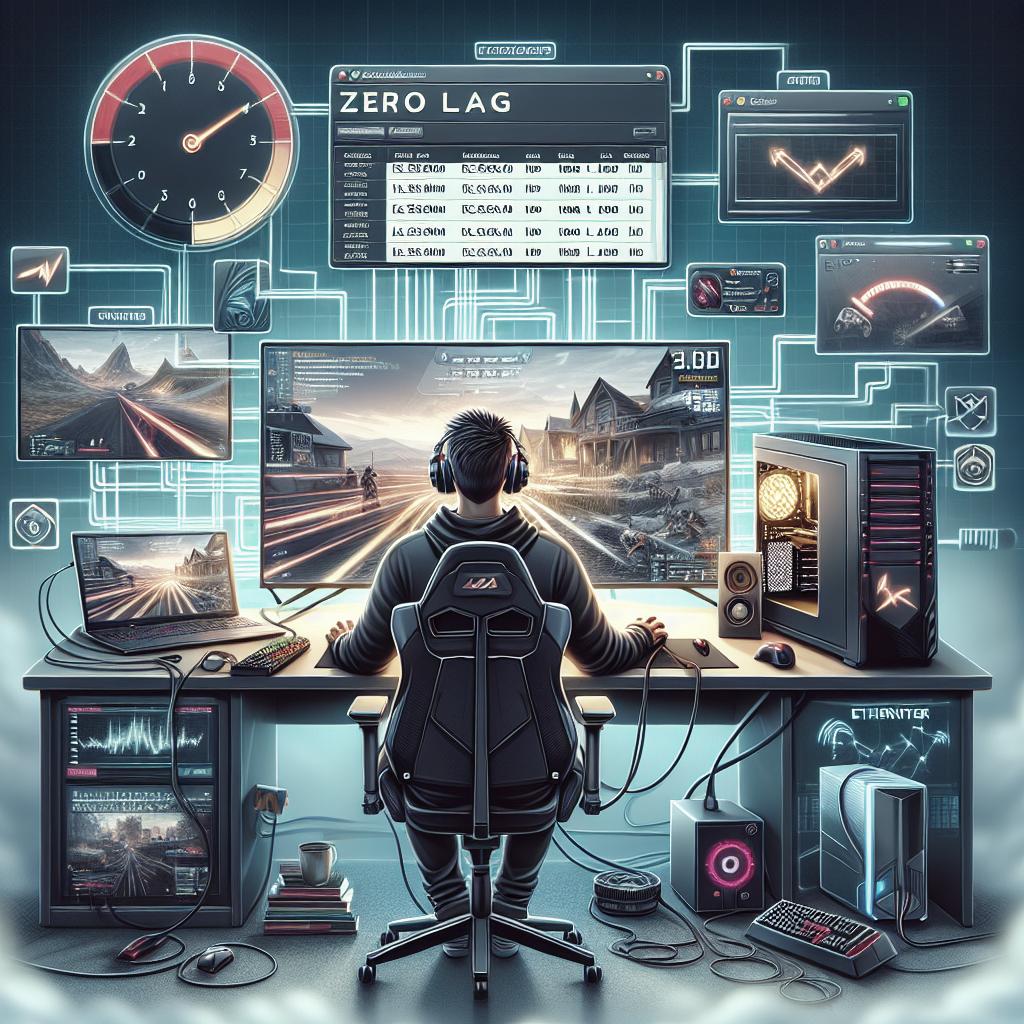
How to Avoid Lag in Online Multiplayer Games
Lag in online multiplayer games can be a frustrating experience, significantly impacting the gameplay and user experience. In this blog post, we delve into understanding what lag is and the mechanics behind it. We explore the two main types of lag, understanding latency and ping rate, and identify common causes of lag in games. By gaining a comprehensive understanding of lag and its various factors, gamers can take practical steps to reduce its impact, ensuring a smoother and more immersive gaming experience.
What is Lag and How It Works
Lag is a delay between a player’s action and the game’s response, often characterized by stuttering graphics, delayed sound, and unresponsive controls. In online multiplayer games, this delay can be particularly disruptive, as real-time interaction and responses are crucial for competitive gameplay. Understanding how lag works requires a basic knowledge of how data is transmitted over networks.
When you send inputs from your controller or keyboard, these actions are translated into data packets that travel across the internet to reach the game server. Upon receiving these packets, the server processes the input, updates the game state, and sends feedback back to your device. Any delay in this transmission, caused by various factors, manifests as lag and can disrupt the gaming experience.
Thus, knowing the factors that cause lag can help players mitigate delay by optimizing network connections and adjusting game settings, leading to better performance and a smoother gaming experience.
The Two Main Types of Lag
Understanding the types of lag is the first step to minimizing its effects. Primarily, lag can be categorized into two types: network lag and graphic lag. Network lag occurs due to issues in data transmission between your device and the game server, often caused by poor network connections or high server loads.
Graphic lag, on the other hand, emerges from hardware limitations. If the game demands more graphical power than what your system can provide, it results in graphical hiccups and reduced frame rates. This can often be managed by reducing the graphical settings within the game, ensuring that the hardware can handle the rendering tasks efficiently.
By discerning between these types of lag, gamers can specifically target solutions that address their unique challenges, whether it involves upgrading their internet connection or optimizing their hardware settings for improved performance.
Lag is Caused by High Latency & Ping Rate
Latency and ping rate are crucial metrics that determine the quality of your gaming session. Latency, often measured in milliseconds, refers to the time it takes for data packets to travel from your device to the game server and back. High latency can cause notable lag as the delays accumulate over time.
Ping rate, closely related to latency, is the echo time measured in round-trips from your device to the server. High ping rate figures indicate a slow connection and a higher likelihood of lag occurrences. To maintain an optimal gaming environment, players should keep these figures as low as possible.
To achieve lower latency and ping rates, gamers can perform actions like using wired connections instead of wireless, choosing servers closer to their geographic location, and ensuring minimal background network usage to prioritize game data traffic.
Here’s What Causes Lag in Games
Numerous factors contribute to lag, many of which are related to network issues. A common cause is insufficient bandwidth. With multiple devices consuming internet bandwidth simultaneously, gaming data packets can struggle to get through smoothly, causing lag.
Another culprit is network congestion. Time of day can influence this; for instance, evenings usually see higher internet usage, which can impact gaming performance. Additionally, poor optimization of game servers can lead to widespread lag for all players on that server.
For game-specific causes, high-definition textures, dynamic lighting effects, and sound processing can strain your device’s CPU and GPU, leading to graphic lag. Fortunately, recognizing these causes enables players to take preventive measures, such as optimizing graphics settings, upgrading internet plans, or investing in better gaming hardware.
Conclusive Thoughts: What Causes Lag in Games
Various lessons can be drawn from understanding the mechanics and causes of lag in online multiplayer games. Minimizing lag involves a combination of actions, from upgrading hardware and optimizing game settings to ensuring a steady and robust internet connection.
By targeting both network and graphic-related causes, gamers can significantly improve online gameplay experiences. It’s an ongoing balancing act where players must consider current technology trends and adaptively optimize their setups.
| Key Aspect | Solution |
|---|---|
| Network Lag | Optimize internet connection, use wired connections, minimize network traffic |
| Graphic Lag | Adjust game settings, upgrade hardware |
| High Latency & Ping | Choose nearby servers, close background applications |
| Bandwidth Limitations | Upgrade internet plan, limit number of connected devices |
| Hardware Limitations | Upgrade CPU/GPU, cool device components |